InfoScout - AI-Powered Rezoning Intelligence for Land Development
InfoScout is the leading platform for tracking rezoning applications, variance requests, building permits, and land development activity across 3,100+ U.S. counties and equivalent areas. Our AI-powered system aggregates data from planning commission meetings, zoning boards, and permit offices to provide real-time intelligence for homebuilders, land acquisition teams, and real estate developers. Track zoning changes, monitor competitive projects, identify land acquisition opportunities, and stay ahead of development trends with comprehensive coverage of rezoning applications, variance applications, building permits, grading permits, demolition permits, change of use permits, conditional use permits, annexation applications, and more across Florida, North Carolina, Georgia, Texas, Washington, Illinois, and other key markets.
All 3,144 U.S. counties. Yours live within 48 hours.
We Track Meeting MinutesFindingApplications.

I can finally know about a rezoning before my competition knows about it, without having to worry if I am the second to know
Be first. Stay first.
Ensure being first to know about rezoning applications in your area. Save the ones you like and receive notifications on any change they go through (i.e. voting or conditional approval).
Trusted by Land Acquisition Professionals from U.S. Top Regional & National Homebuilders.
Get access in 3 steps
Start with up to 3 areas for free for up to 14 days. If access propagation takes time, the trial starts only after your areas are ready.
Create an account
Start without a required demo and keep the walkthrough option open if you want it.
Select your areas
Choose up to 3 counties, major cities, metro areas, or other supported areas.
Get notified
Receive an email once access is granted, typically within a few hours and up to 48 hours.
Why track Rezoning & Variance Applications?
Most teams still scrape council agendas manually. InfoScout shows the signal instantly—so you act first.
 InfoScout
Part of the National Science Foundation lineage, built by experts from Amazon, Microsoft, BCG, Google, LinkedIn.






Why InfoScout?
Info That You Need
Track rezoning and variance applications that reveal potential deals, competitor plans, and what is feasible before a site gets rezoned.
Nationwide Coverage
Use state-of-the-art AI to monitor 3,100+ counties and equivalent areas across the U.S., instead of being limited to a narrow local footprint.
Cherry on Top
Rezoning and variance are the priority, and when local records include annexation, disannexation, permit, or related signals, we pick those up too.
No Demo Required
Create an account, choose your areas, and get access without waiting on a demo unless you want a personalized walkthrough.
What Others Say
Hear from other real estate professionals.
"We do a lot of monthly and weekly reporting on different jurisdictions and the current projects being submitted. We're gauging interest, and what you guys do covers a lot of what we want. When I do it manually, it takes me about four hours."
"That is massive… I didn't know you guys were gonna do that. That's really good. There's no such thing as too much information – I'd rather have more than I need, because there might be something in there that I didn't know was there at all."
"I just love the idea of incorporating AI. I don't think everything has to be as hard as it really is. I think AI helps out with that a lot. I think it's a cool thing you guys are doing."
"I mean, this is gonna be a game changer for a lot of folks, the ones that get their hands on it first."
"I could definitely benefit from a few of the different tools... get more deals coming in and then get more accurate and quicker responses... because I can't reach out to every single one of them as quickly as [needed]."
"Home building and land and development is so lacking in the technological advancements. There's a ton of room for improvements... it's just very, very elementary still for how much money is in our industry. I've always been shocked that no one has really jumped in to make those advancements."
Our Priority - Your Priority
We focus on rezoning and variance applications first, then surface other local signals when they are available.
Click Data Type to Expand
Building Permits
Grading Permits
Demolition Permits
Rezoning Applications
Variance Applications
Change of Use Permits
Conditional Use Permits
Annexation Applications
Disannexation Applications
Special-use Permits
Electrical Permits
Land Use Amendments
Map Amendments
Impact Fees
Our Priority - Your Priority
We focus on rezoning and variance applications as the data that people like you need the most. We also find other signals, although we know those are not your priority - so we focus on getting rezoning and variance first.
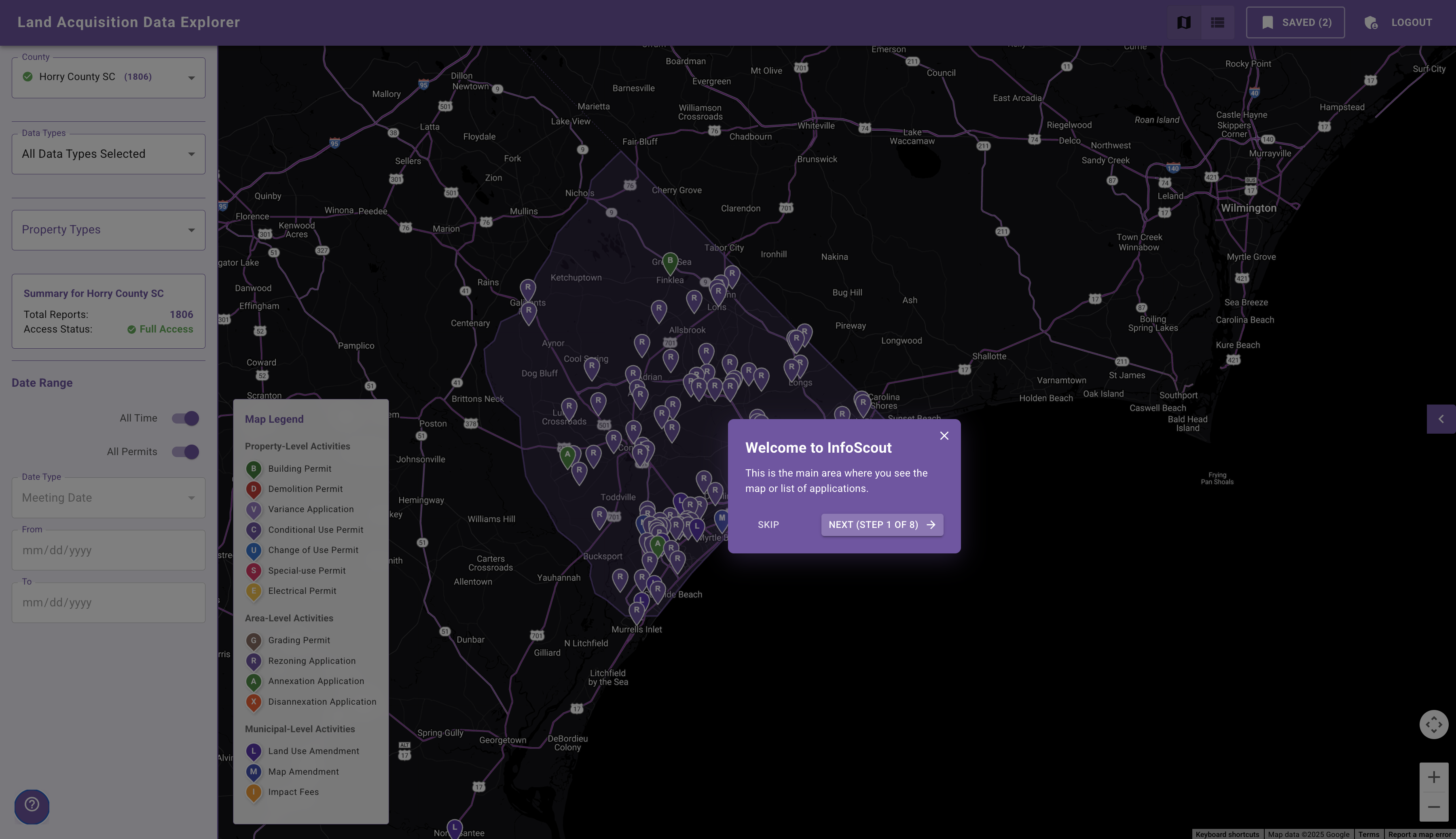
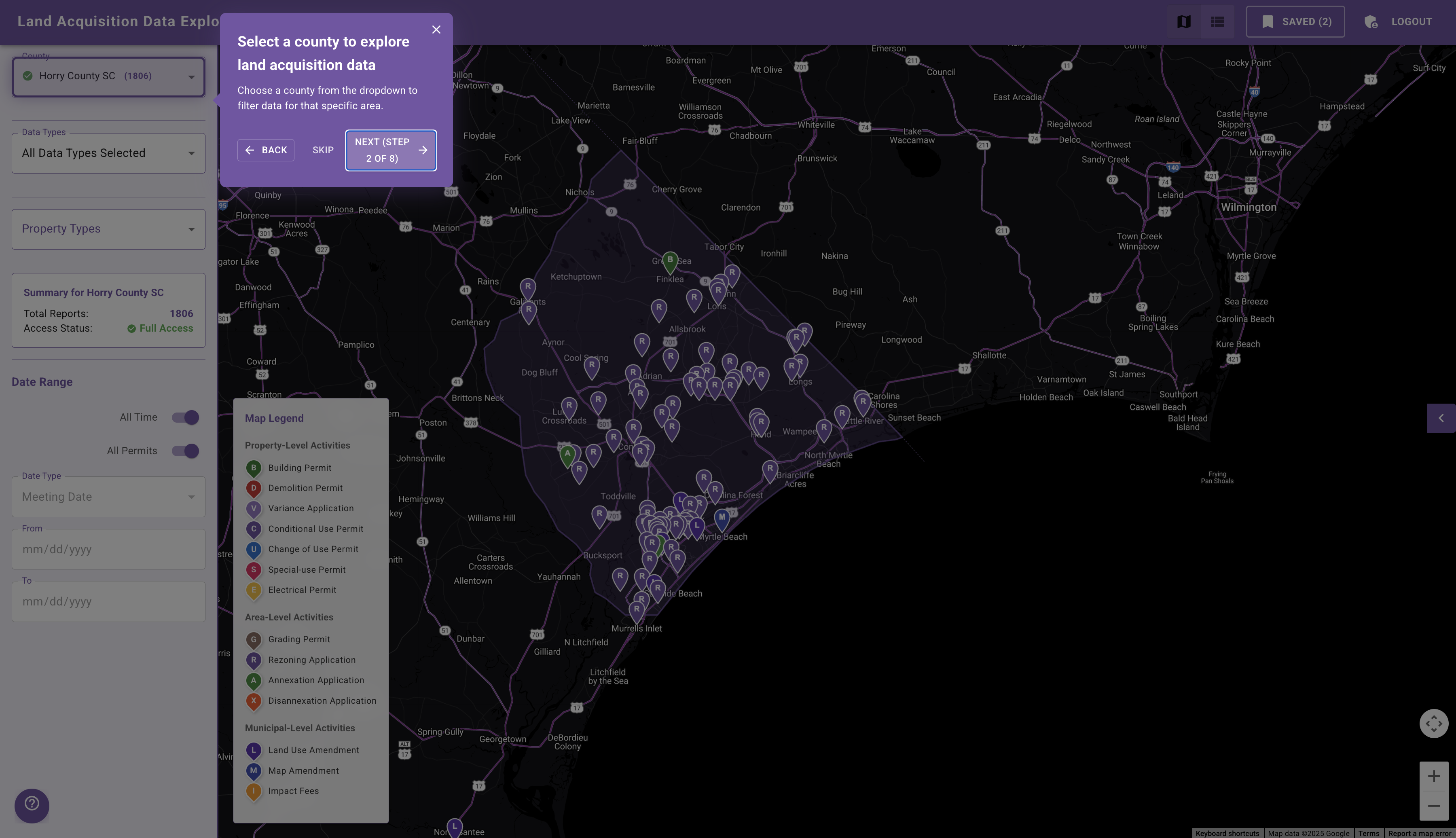
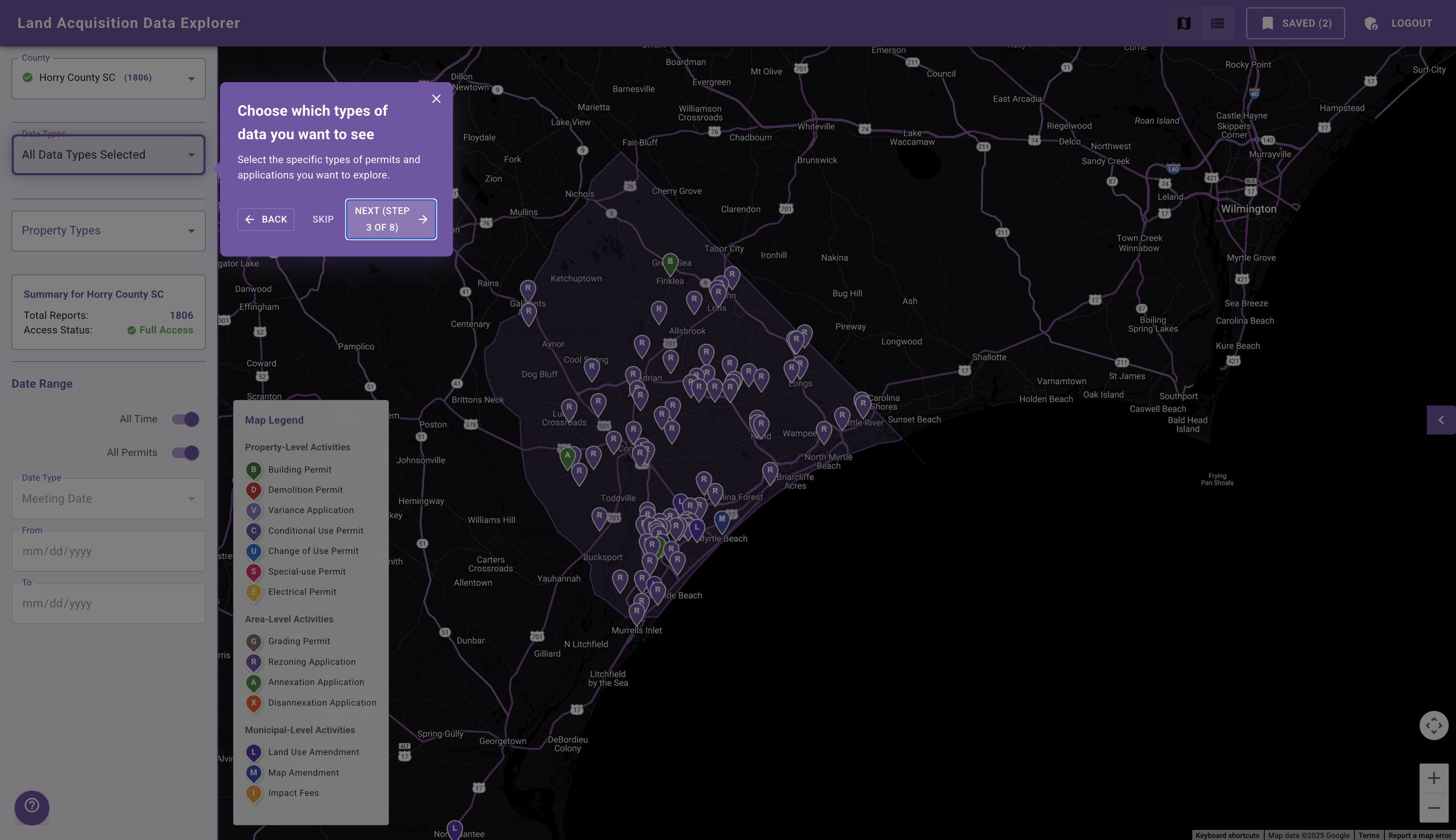
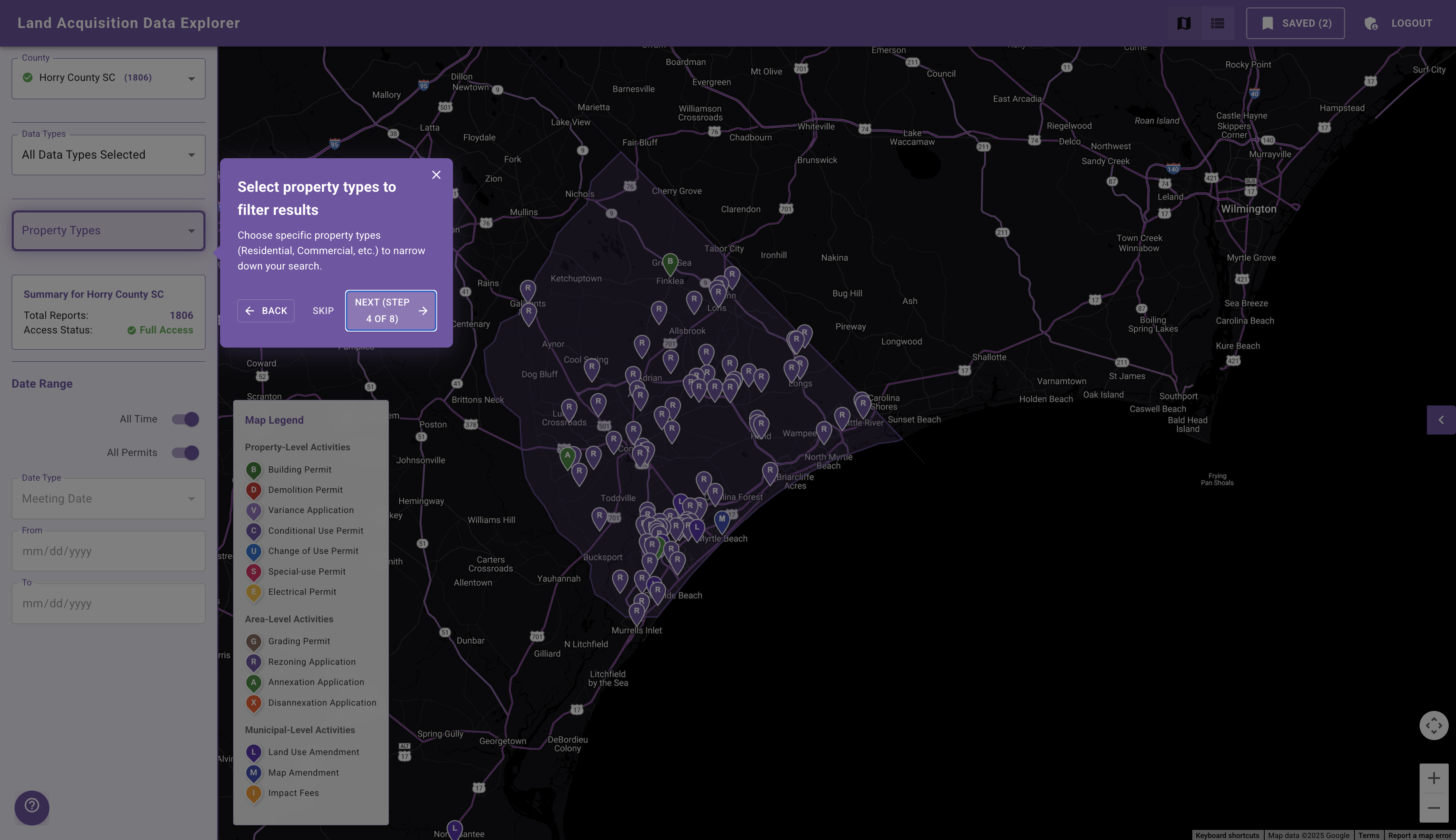
See How It Works
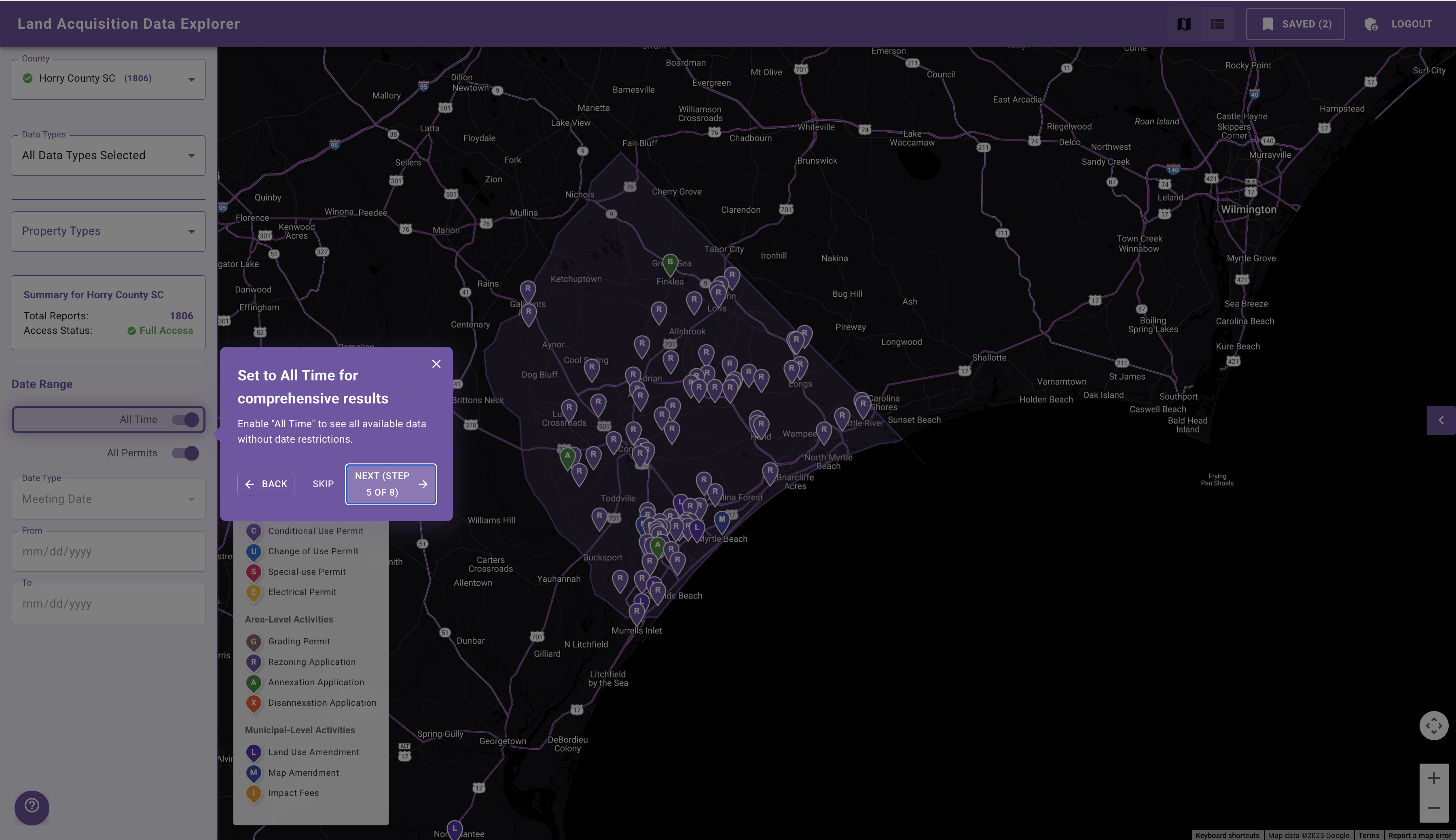
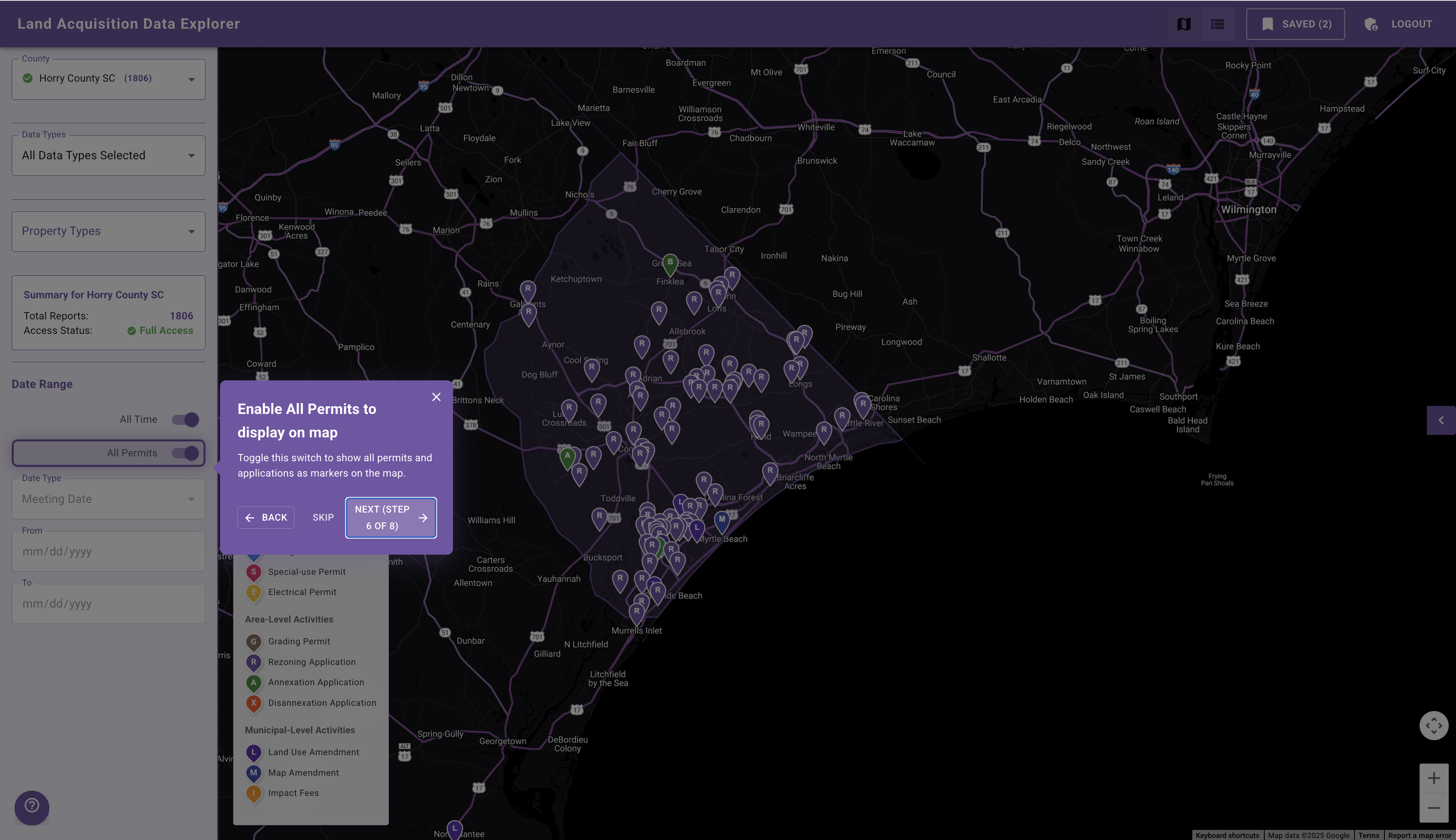
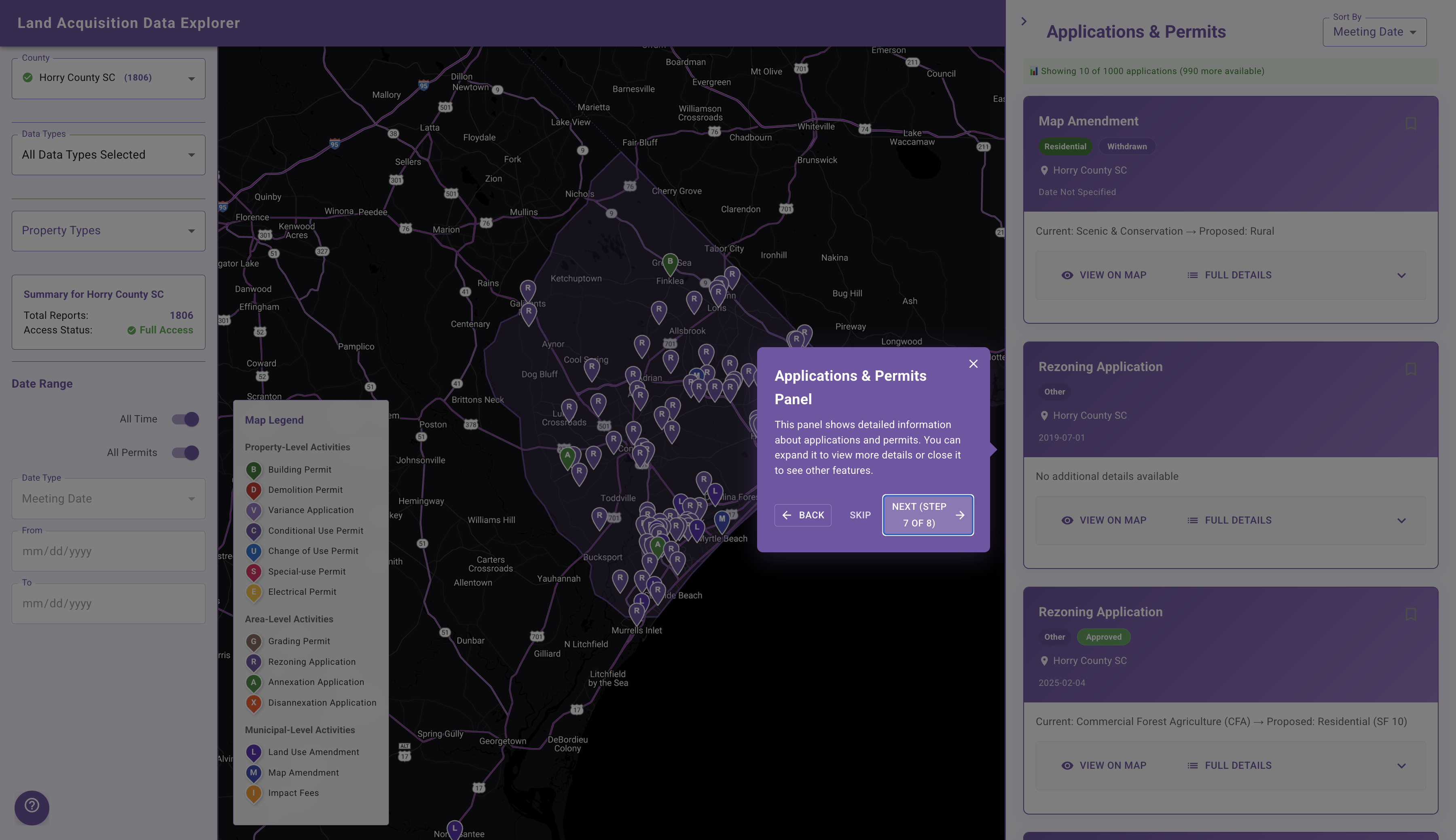
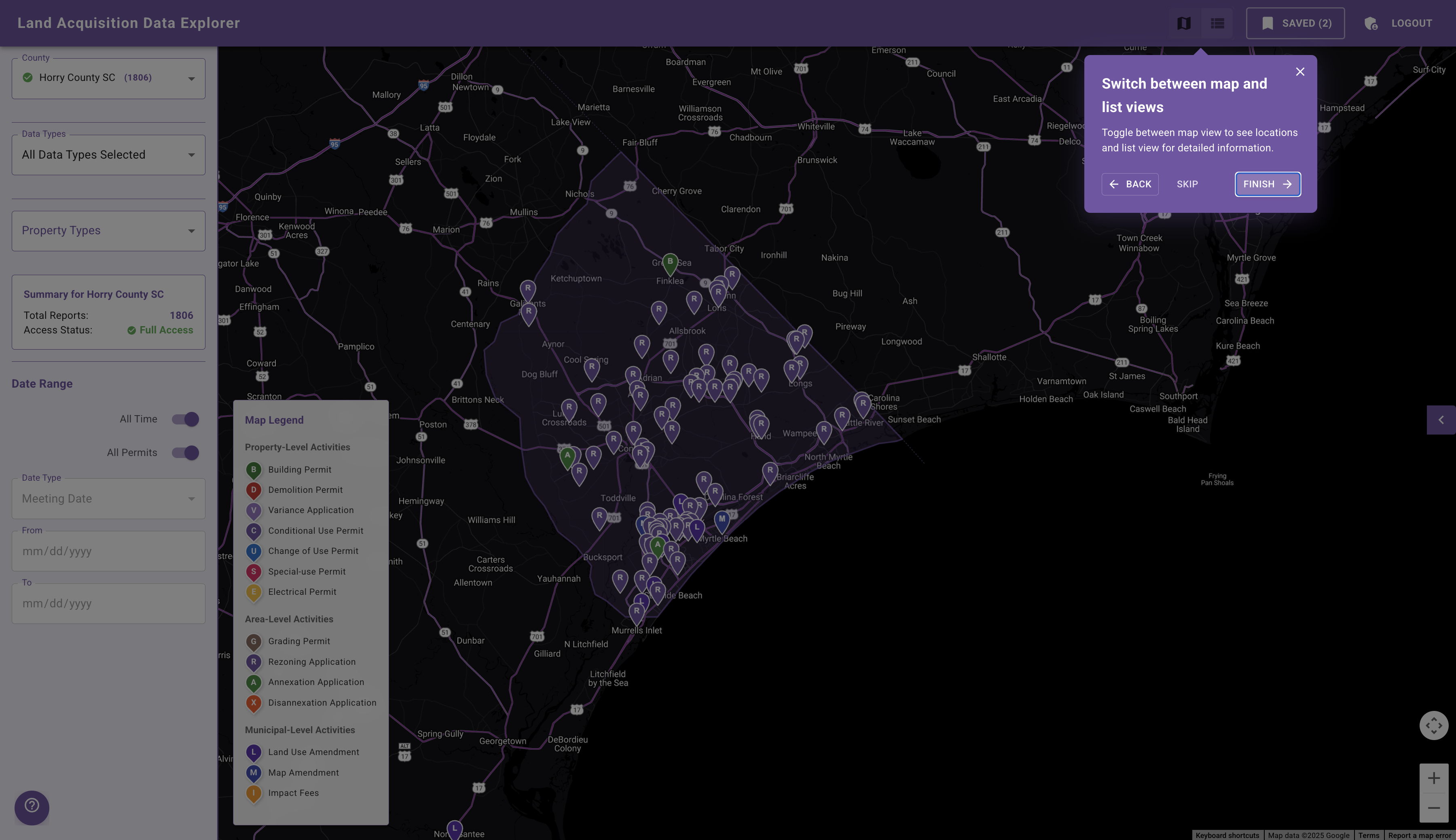
Follow these simple steps to explore land acquisition data with InfoScout.
Frequently Asked Questions
Find answers to the most common questions about InfoScout.